
October 2026
Field Service Automation for Small Trades BusinessesWhat to Automate First
Most small trades businesses already run software for jobs and scheduling. The slow part is the admin that piles up after the job is done. Here's what field service automation is, what to automate first, and how to do it on the tools you already use.
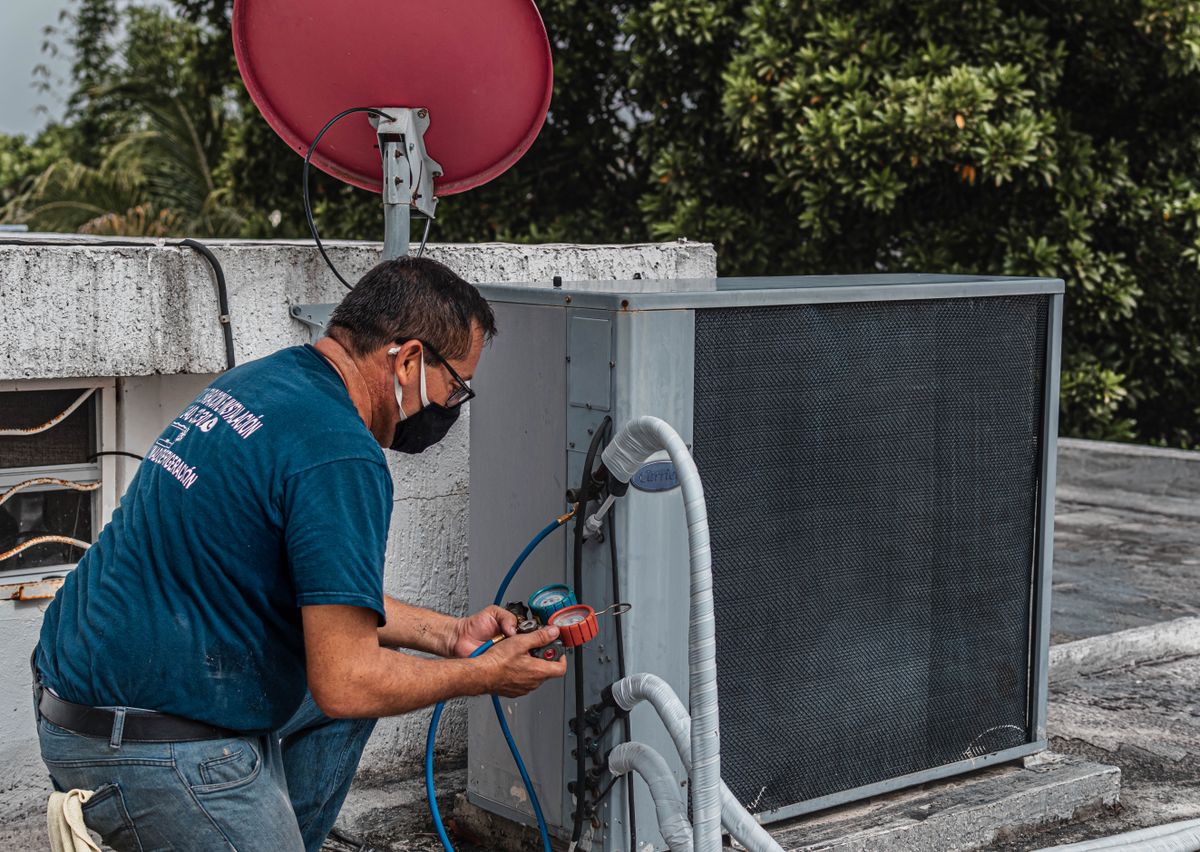
The short version: field service automation means handing the repeatable office work that follows a job, invoicing, payment reminders, quote follow-up, and catching work that never got billed, to software instead of doing it by hand. You don't have to replace your scheduling or accounting tools to get it. Aries connects to the systems you already run and takes over the admin that piles up after the truck leaves the job.
If you run a small trades business, you probably already pay for software that handles the work itself, a scheduling tool, a work-order app, and QuickBooks for the books. The part that still eats your evenings is everything that happens after the job is done: writing up the invoice, chasing the customer who hasn't paid, following up on a quote nobody answered, and digging through last week's work orders to find what never got billed.
That admin doesn't need more hours from you. Most of it is the same handful of steps repeating, which is exactly the sort of thing software can take over. This post walks through what field service automation is, what's worth automating first, and how to start without ripping out the tools you already use.
What is field service automation?
Field service automation is software doing the repetitive back-office steps around a job so a person doesn't have to type them out every time. Automated field service usually covers the paperwork trail: turning a finished work order into an invoice, sending the payment reminder on schedule, nudging a quote that's had no reply, and flagging a job that got done but never billed. Your crew still does the field work, and the automation handles the follow-through.
This is a separate thing from the software you already run. Your scheduling and work-order tools are where the work gets planned and recorded. Automation is the layer that acts on what's in them, so a closed work order turns into a sent invoice without anyone re-typing the job into QuickBooks.
What most shops still do by hand
Even shops with good software usually run the after-the-job work on memory and spare minutes. The invoice gets written up whenever the office catches a break, which might be the same day or two weeks later. Late payments get chased when someone happens to notice the account is aging. Quotes go out and then sit, because nobody owns the follow-up. Notes from a work order get re-keyed into the accounting system or the CRM by hand, and sometimes they don't. Finished jobs slip through without an invoice because no one cross-checked the schedule against what actually got billed.
The office work just loses to whatever's on fire that day. When the same two or three people are running the dispatch board and the billing, it gets done when there's time, and on a busy week there isn't.
What to automate first
You don't automate everything at once. A few tasks give back more than they cost almost immediately, so start there.
Work order to invoice
The stretch between finishing a job and sending the bill is where cash gets stuck. Automating it means a completed work order becomes a draft invoice right away, with the parts, labor, and job notes already filled in, ready for someone to glance at and send. The sooner the invoice goes out, the sooner you get paid, and the less likely the job is to get forgotten.
Invoice follow-up and collections
Getting the invoice out is only half of it. The other half is following up when it goes unpaid, on a schedule, instead of whenever someone remembers. Automated reminders go out before and after the due date, and an account that crosses your terms gets pulled onto a list someone actually works. If late payments are a regular headache, we go deeper on the whole process in accounts receivable for contractors.
Quote follow-up
A quote with no follow-up is a coin flip. Automating it means every estimate that hasn't been answered gets a nudge after a few days, with the quote attached, so a job you already did the work to price doesn't die in an inbox. For most shops this is found money, because the quoting was the hard part and it's already done.
Unbilled work check
The leak that's hardest to spot is work that got done and never billed. A weekly check that compares completed jobs against sent invoices surfaces anything that fell through, so you can bill it while the customer still remembers the visit. Shops are often surprised how much this turns up the first time they run it.
Stop losing hours to after-the-job admin.
Schedule a free demoDo you need new software to do this?
Usually not, at least not a replacement for what you have. The common worry is that automating the back office means switching platforms and retraining everyone, which is a fair reason shops put it off. You don't have to.
Aries sits on top of the tools you already run. It connects to QuickBooks, your work-order system, and your support inbox, then handles the admin that moves between them. Your crew keeps using the scheduling app they know, the office keeps using QuickBooks, and the automation takes care of turning a finished job into a sent, followed-up invoice without anyone learning a new system. If you want the fuller picture of how that fits an HVAC, plumbing, or electrical shop, the Aries for home services page lays it out, and putting AI to work on top of MaintainX shows how it works when your work orders live in a tool like MaintainX.
The point of staying on your current tools is that you can start small. You automate one workflow, see it work, and add the next one, instead of betting the business on a migration.
How to start, in three steps
You don't need a project plan to automate your first field service workflow. Pick one thing, prove it, then move on.
- Pick one slow task. The one that generates the most complaints, or the one you keep forgetting, is usually the right place to start. For most shops that's invoicing after the job, or chasing the invoice after that.
- Measure it for two weeks. Write down how long it takes, how often it slips, and what it costs you when it does, whether that's a late invoice, a quote that went cold, or a job nobody billed. You want a number to compare against later.
- Automate that one task, then check the number again. Once it's handled, move to the next slowest task. Doing one at a time beats trying to automate the whole office in a weekend.
Two weeks of measuring also tells you whether a task is worth automating at all. If it turns out to cost you almost nothing, skip it and spend the effort on the one that keeps biting.
What this looked like at MAC
This isn't theoretical. MAC Technologies, a Michigan air compressor install and repair company, was running QuickBooks, Zendesk, and MaintainX, and none of the three talked to each other. Service calls became handwritten notes, finished jobs sat unbilled, and receivables aged while the team chased paper by hand. Aries went in on top of the exact stack they already had and took over the shuffling between those systems: follow-up work booked off tech notes, invoices going out on schedule, and aging accounts flagged for collection.
It was live in about four weeks, with no new back-office hire. Unbilled work dropped by 70%, and days sales outstanding improved by 15%. The reason it came together in weeks instead of months is that the automation built on the tools MAC already used, rather than replacing them.
See what Aries could do for your shop.
Schedule a free demo